When an app is released: its own key
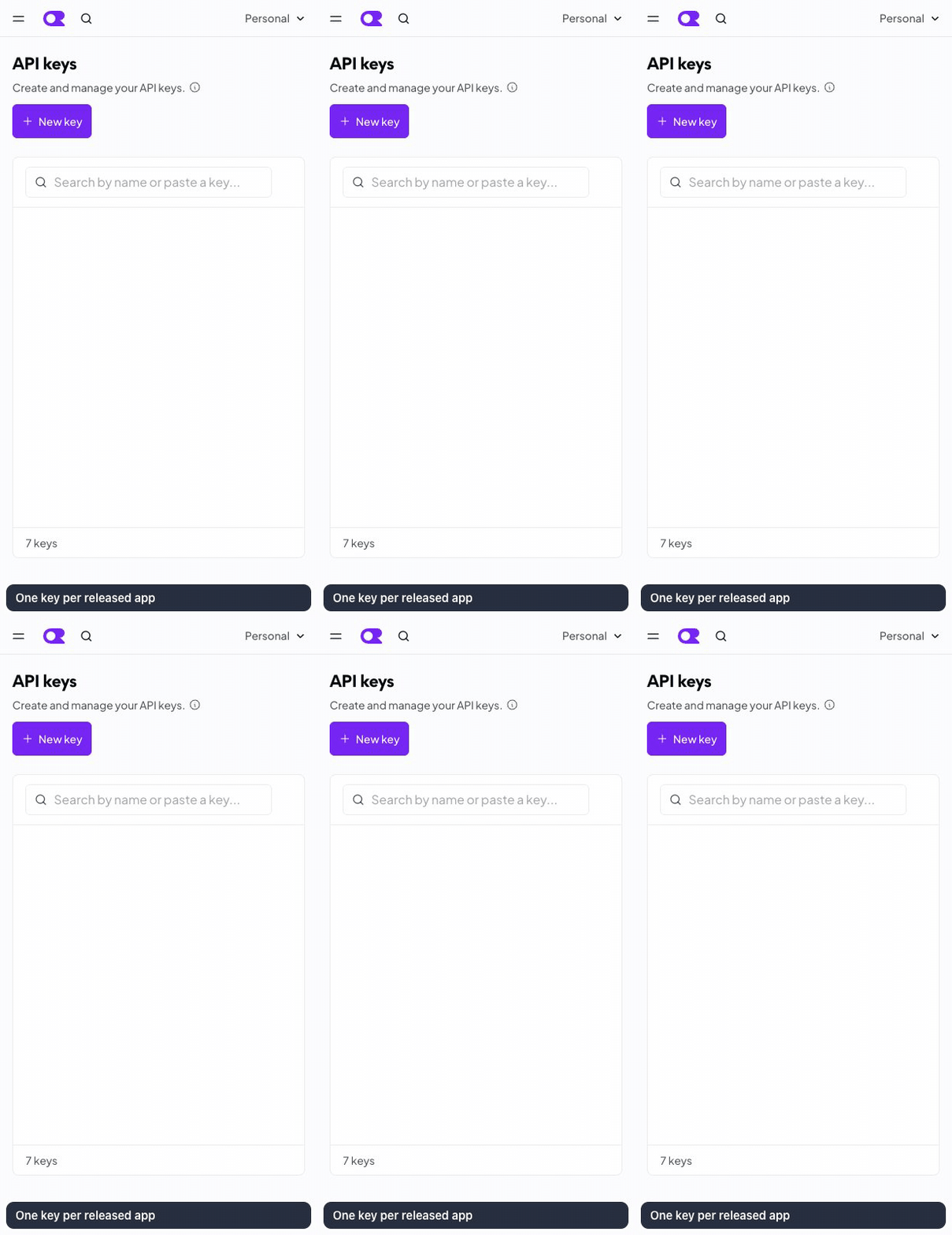
Back on Settings → Keys, Create Key again. Name: the app's name. Credit limit: what the app may spend in total, or set a monthly limit if the dialog offers one. In Fodide, Settings → Connectors → Production, choose the app, OpenRouter, paste it.
One key per released app, so one app cannot spend another's money, and you can switch one off alone.